100% on-device — auto cutout & export on your iPhone
One-Tap Japan Visa Photos Choose your consulate's size.
Built for Japan visa photos — automatic background removal and a live checklist before you export.
Photo size requirements vary by consulate. Choose 35×45mm or U.S. passport 2×2in in the app — always confirm with your specific consulate or visa center before applying.
$1.99 per photo · no subscription · free unlimited retries
Real app results
U.S. passport 2×2in
35×45mm
Automatic background removal
35×45mm or U.S. passport 2×2in
Apple Vision on-device
No photo uploads to us
Real before & after
Any background in. Japan visa photo out.
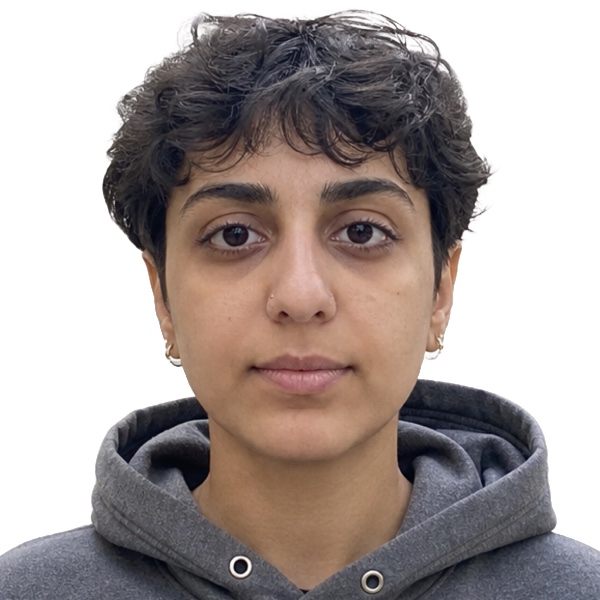
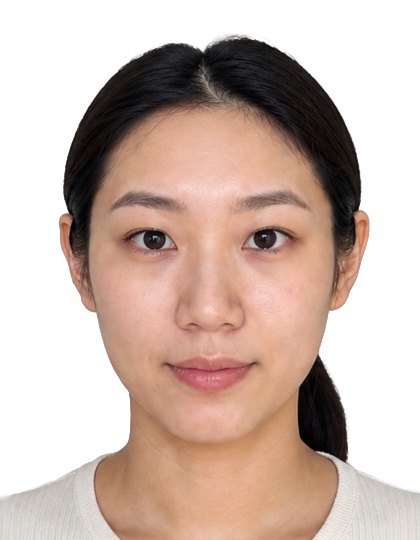
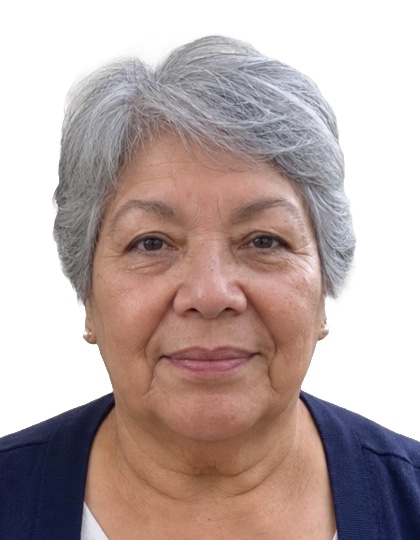
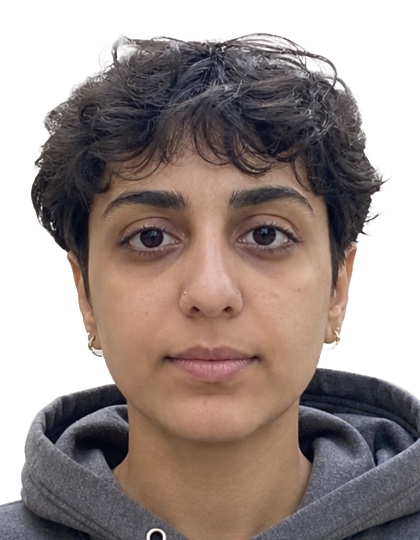
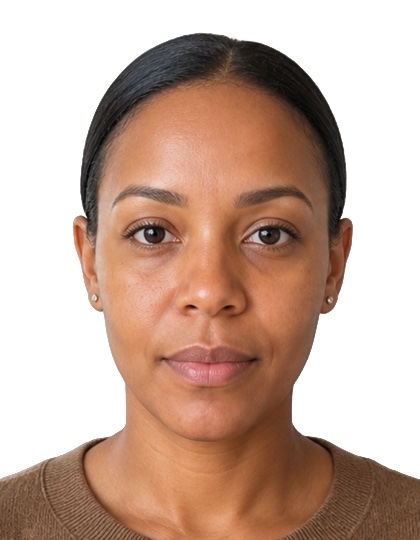
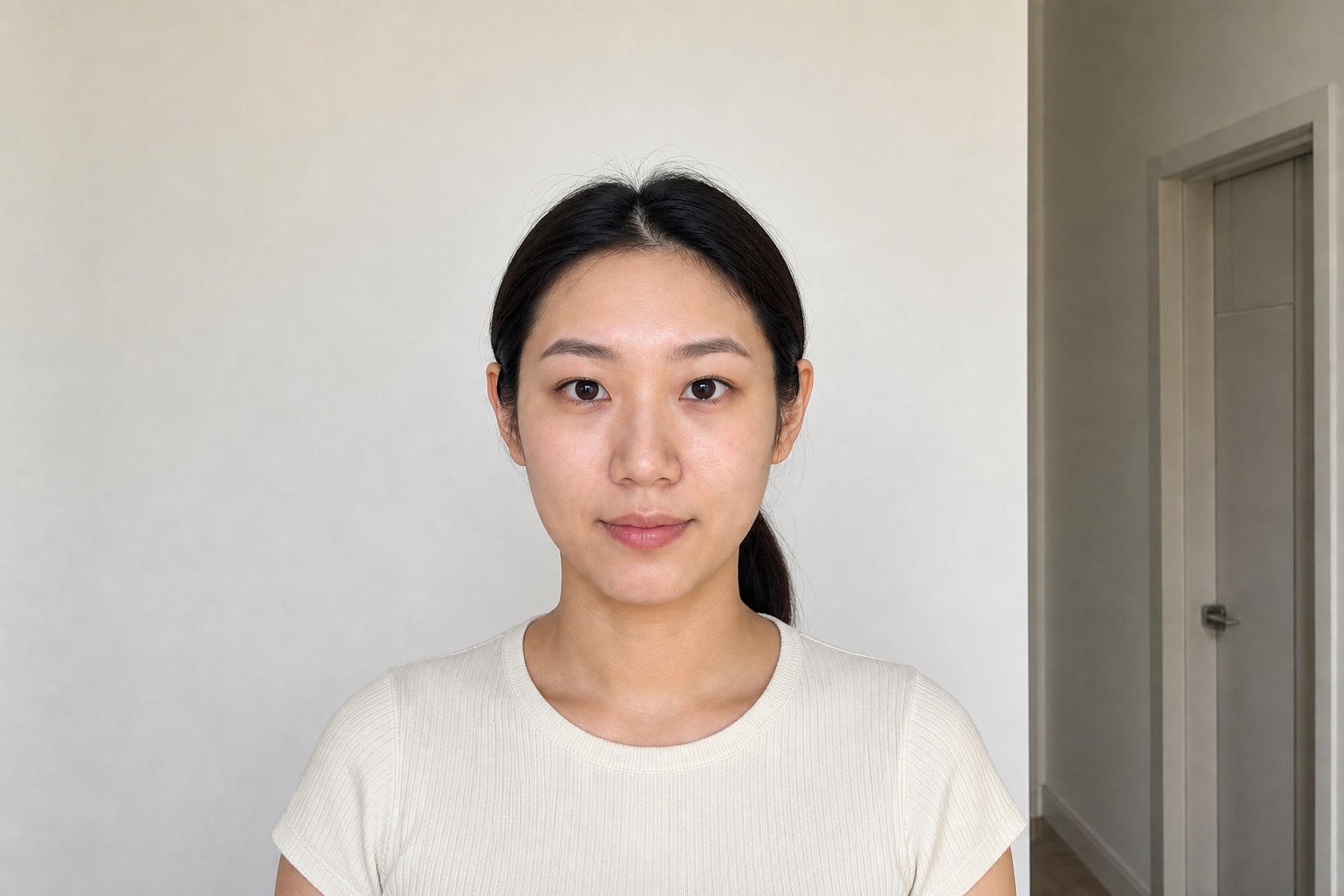
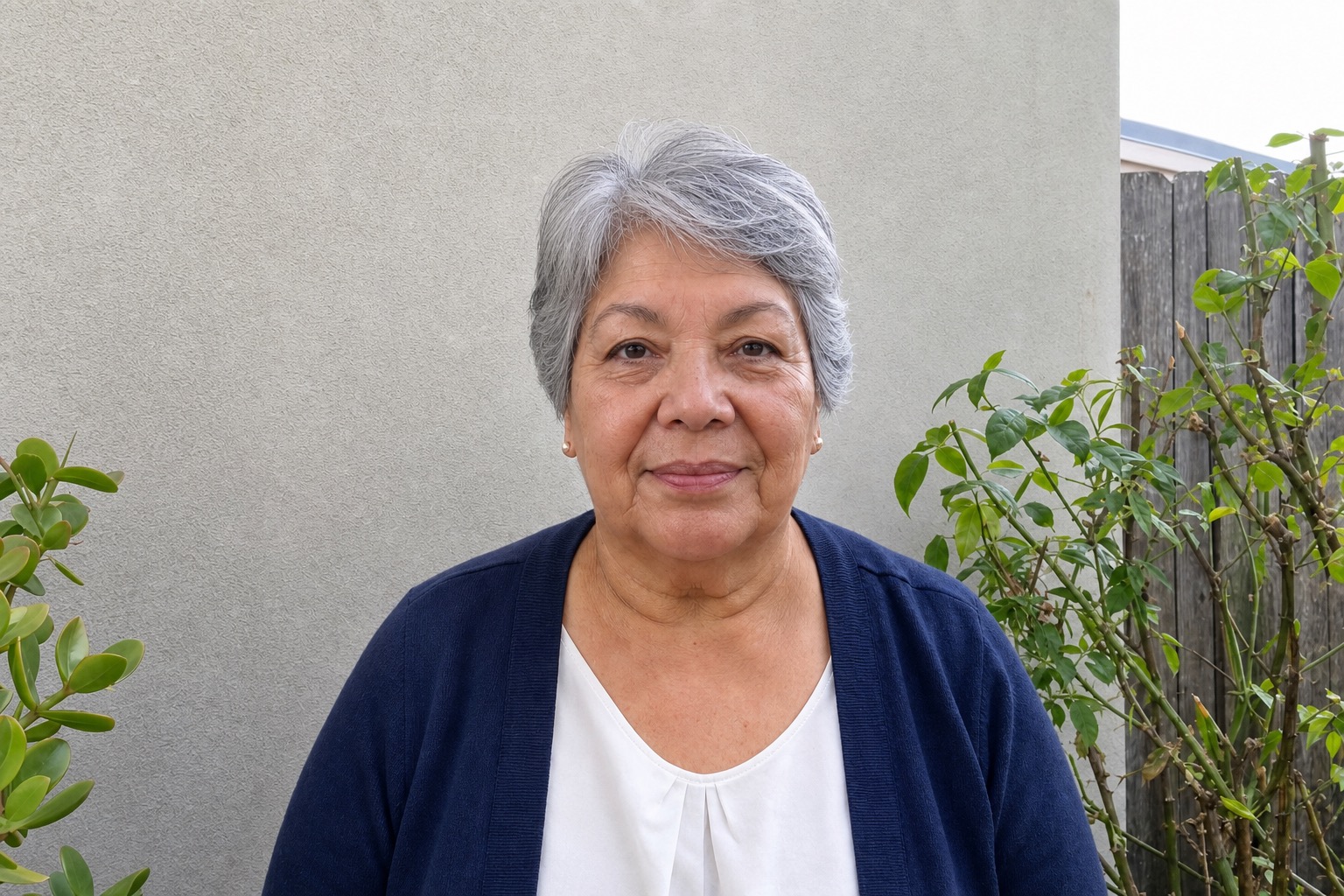
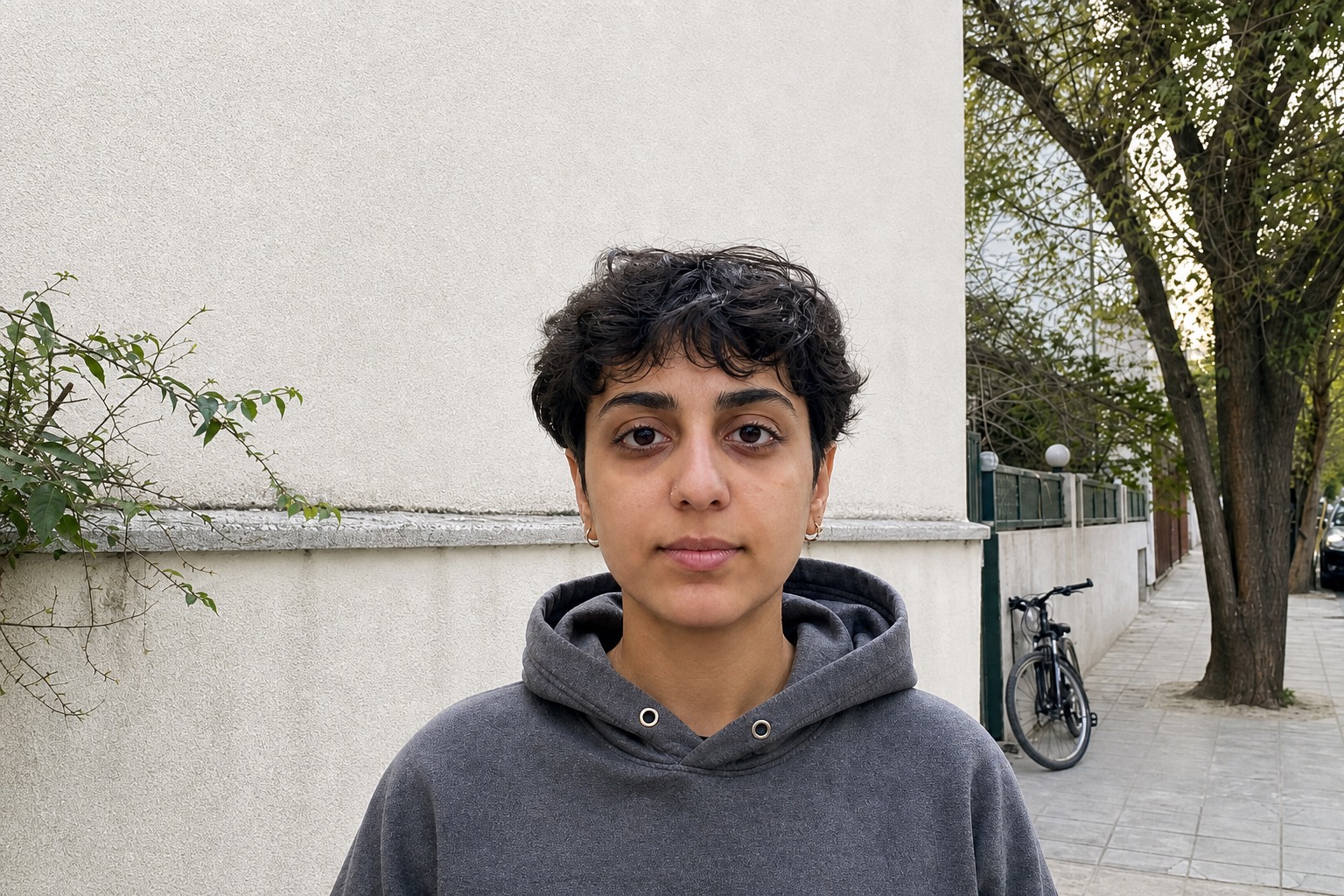
Real outputs with clean white backgrounds. Choose one size per export: U.S. passport 2×2in square or 35×45mm portrait. Scroll the originals below — full aspect, no crop.
Finished results · U.S. passport 2×2in square
Scroll →
Finished results · 35×45mm portrait
Scroll →
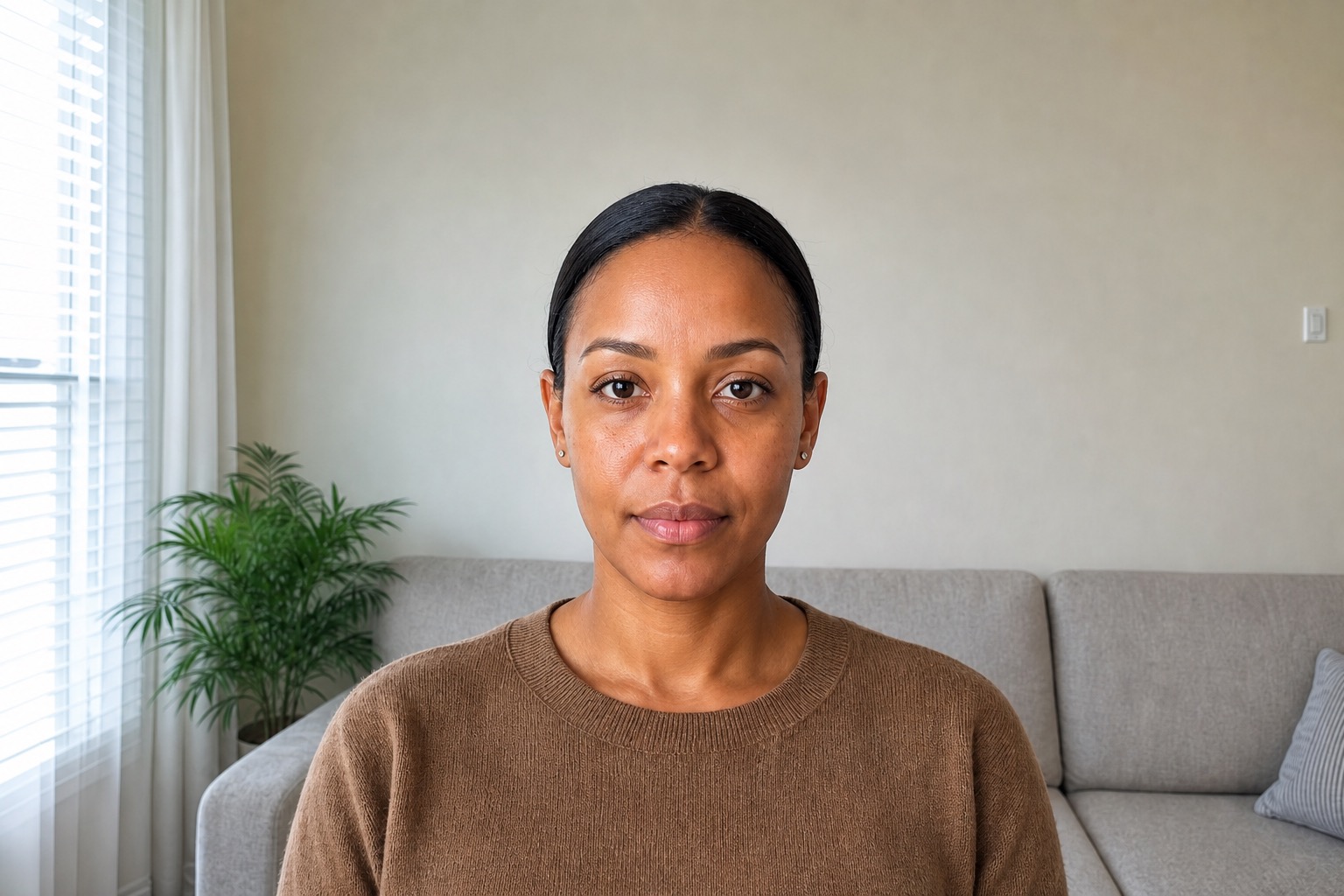
Originals (before) · full aspect
Scroll →
Home portrait
Kitchen
Garden
Balcony hallway
Street
Living room
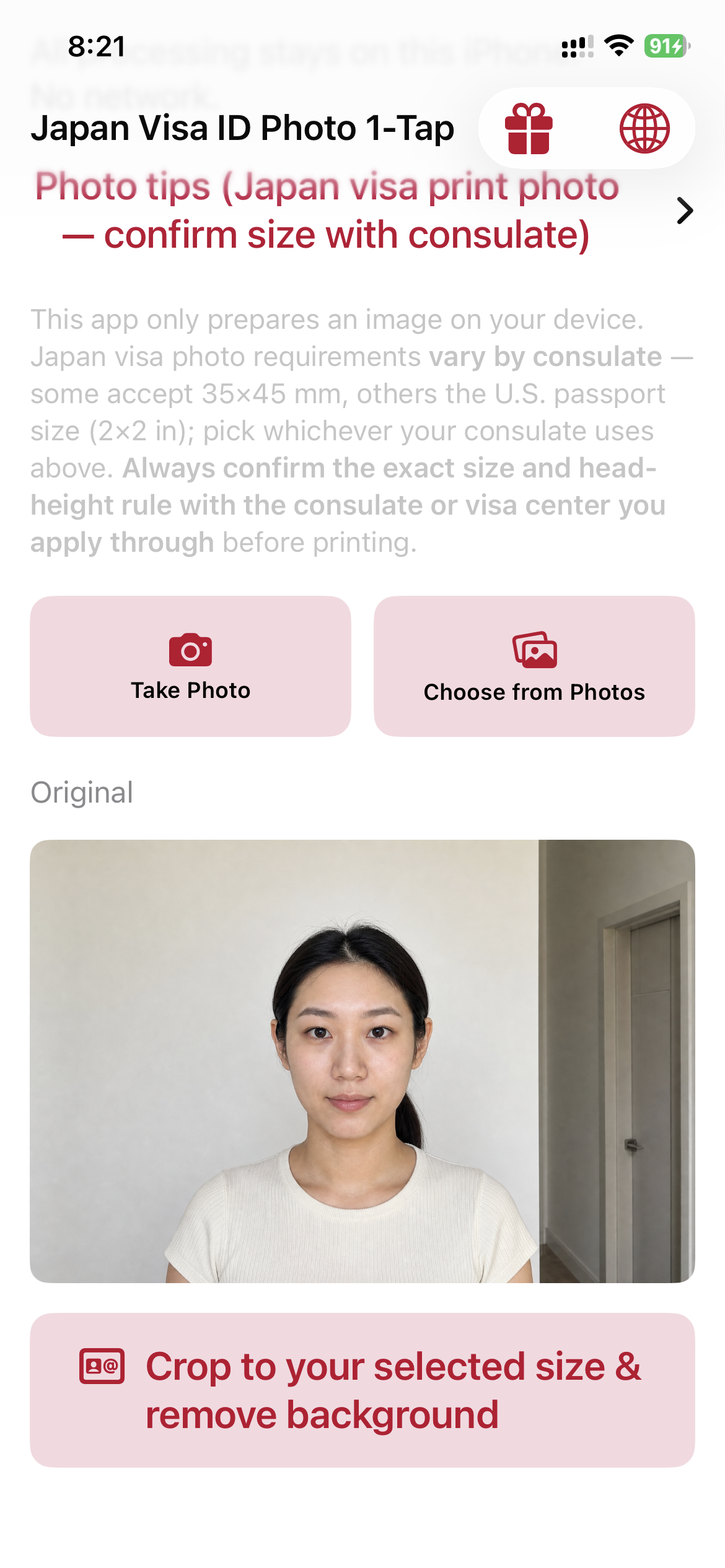
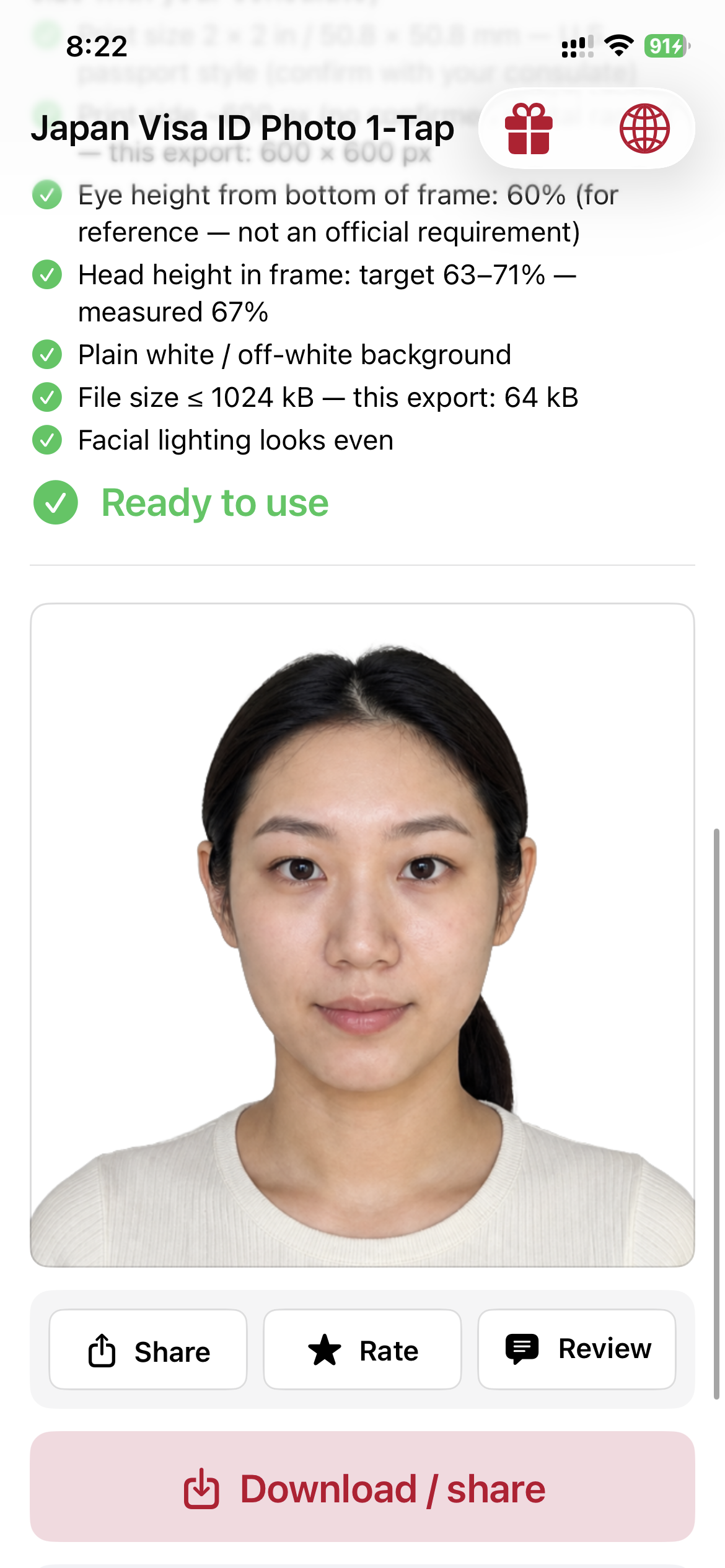
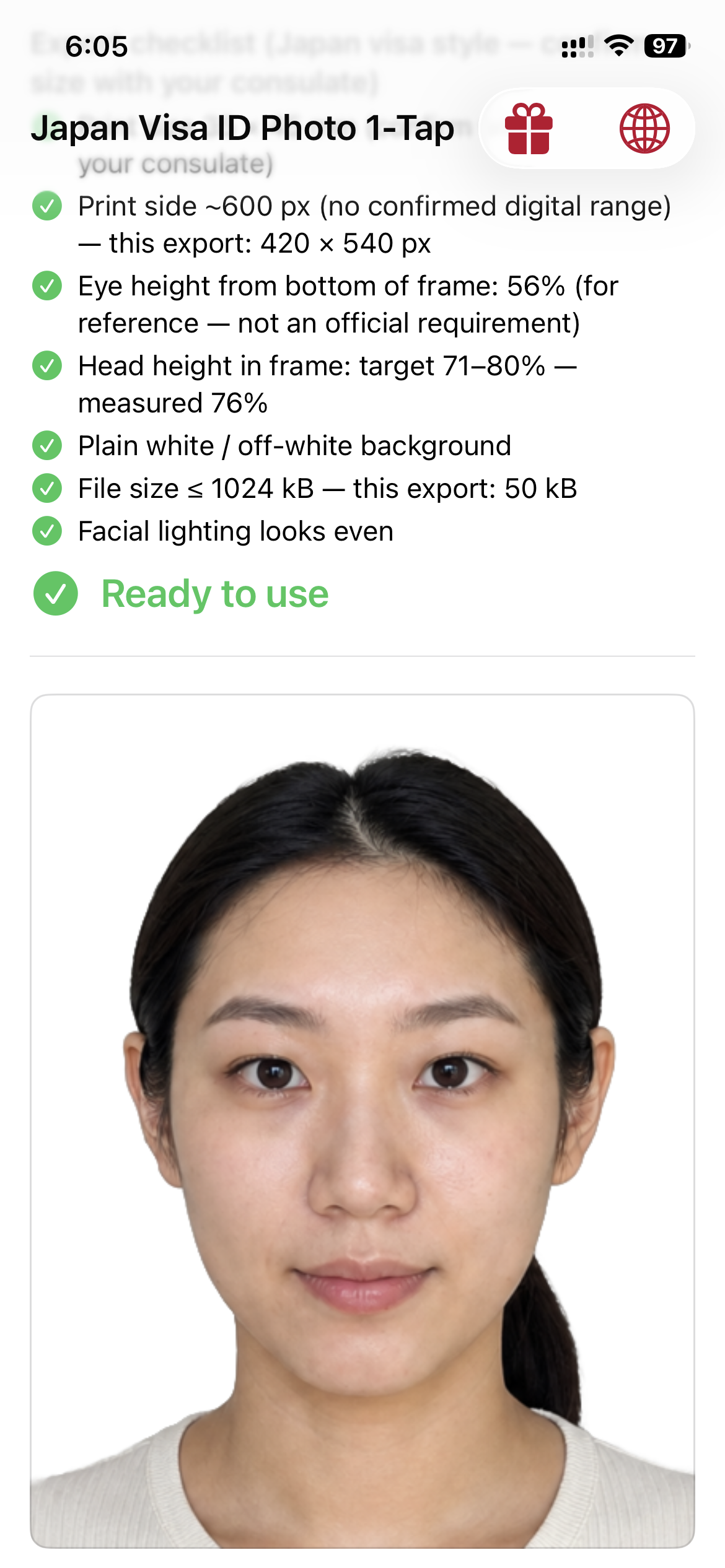
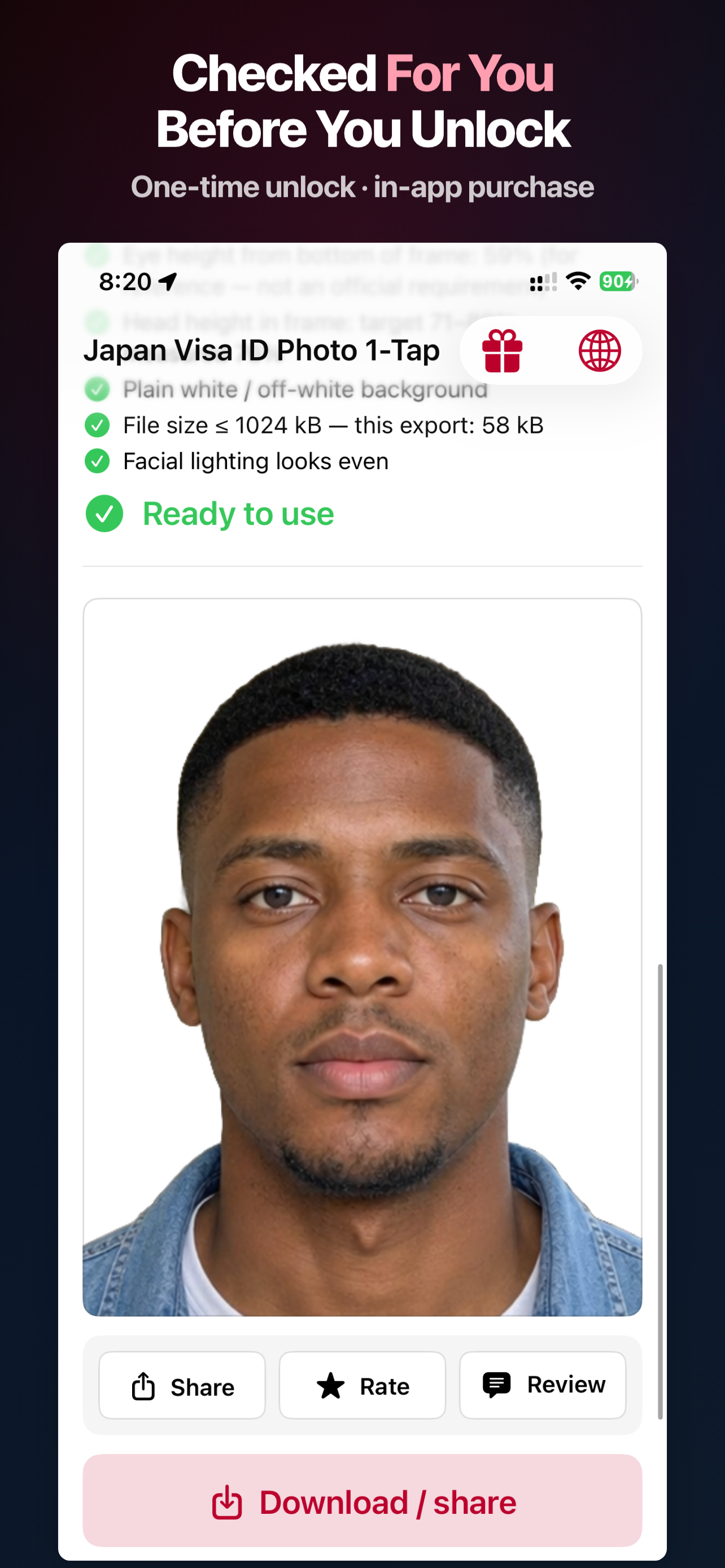
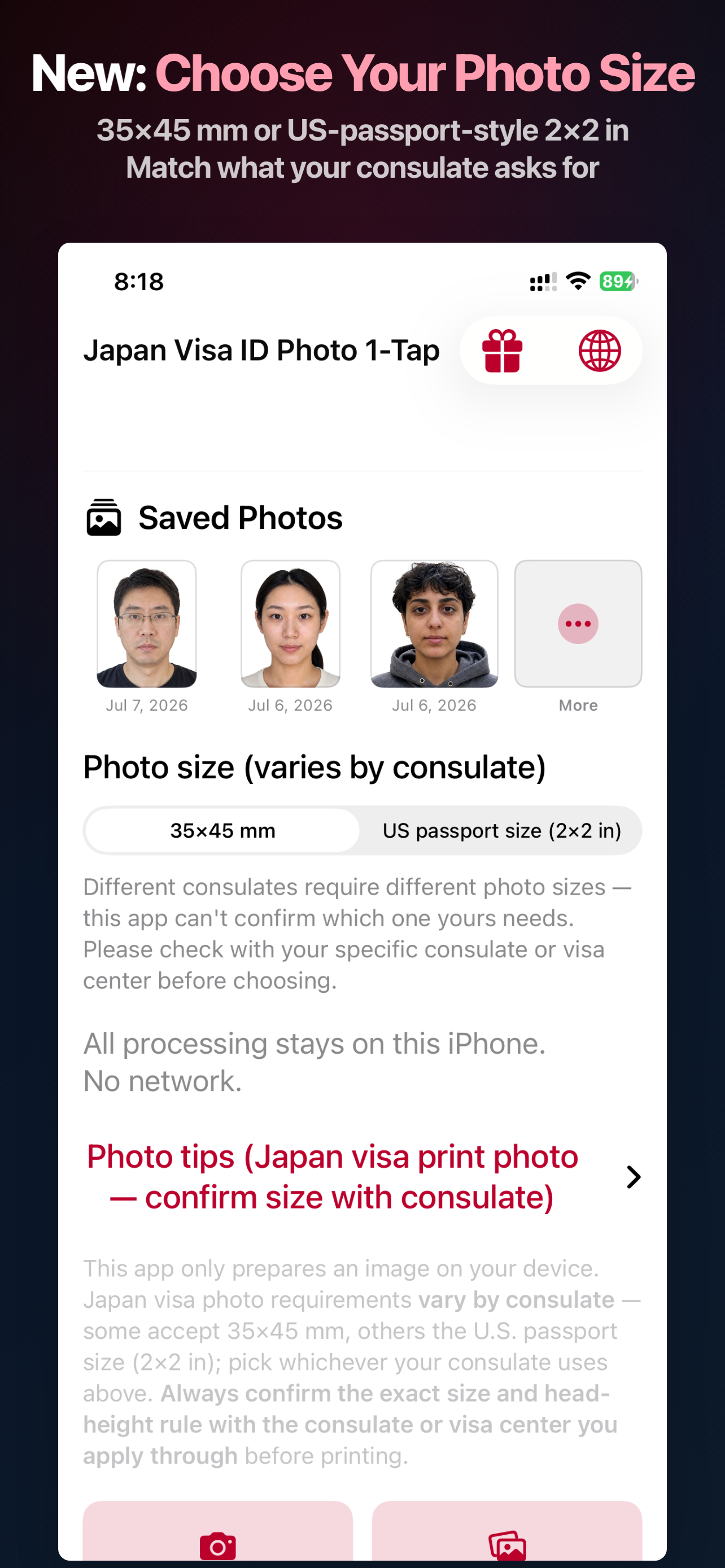
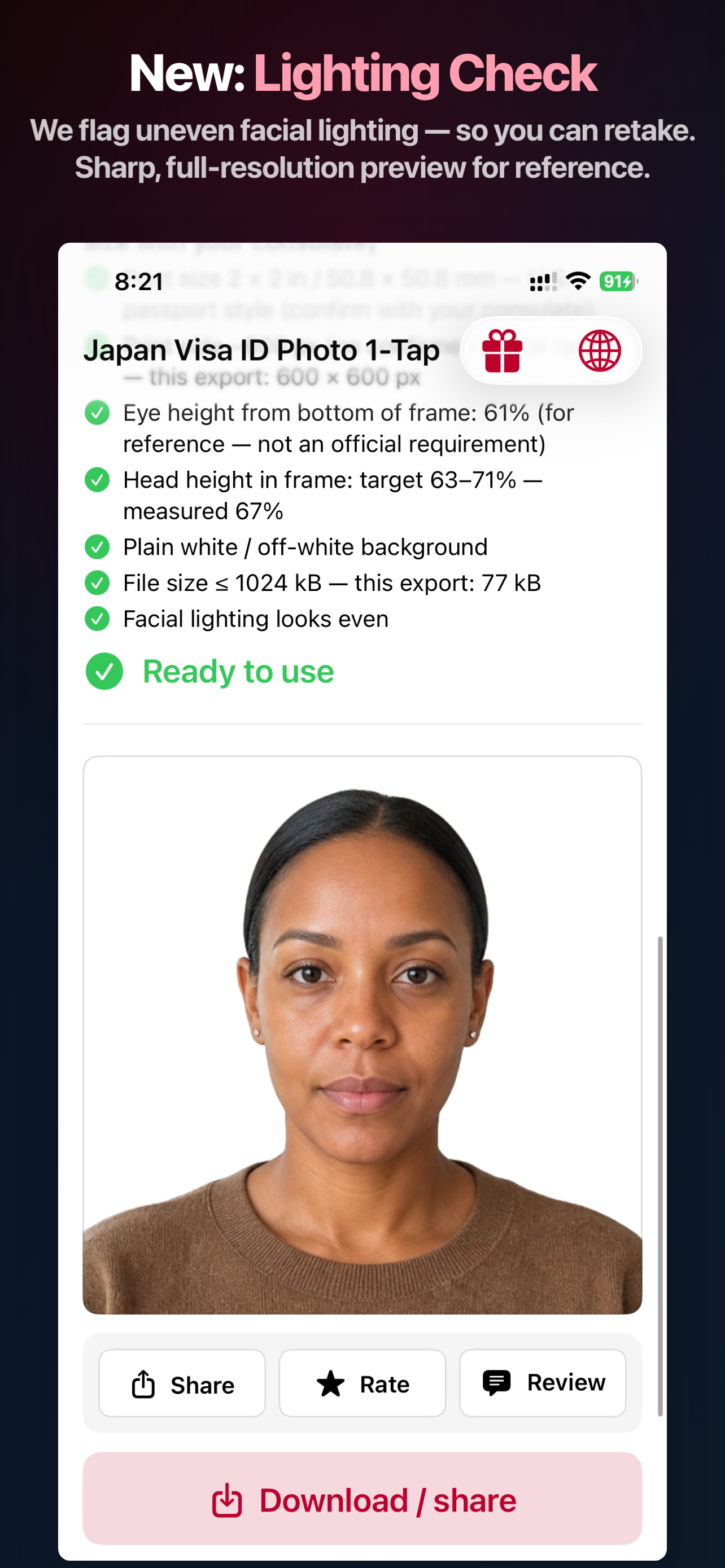
Inside the app
A closer look inside the app.
Real App Store screens show the export checks, your size selection, and lighting check.
What we check — and what we can't confirm yet
Japan's official visa-photo pages are not consistently published with pixel-level specs, so we're upfront about what's a common convention versus what we've directly verified. Always confirm size and requirements with the specific consulate or visa application center you're using.
Japan visa photo requirements vary by consulate. This app offers 35×45mm and U.S.-style 2×2in; select the one your consulate or visa center specifies before applying.
Photo size — choose 35×45mm or U.S. passport 2×2in, then confirm the correct option with your consulate.
Head height — targets roughly 32–36mm (crown to chin), an ICAO-style convention cited by several sources but not independently verified.
Plain white background — after automatic cutout, no shadows or patterns.
Recency & expression — the checklist reminds you the photo should be recent (within 6 months), neutral expression, no hat.
No face reshaping — segmentation and cropping only; we don't slim or resize facial geometry.
Privacy — segmentation and matting run on your iPhone; no separate upload to our servers for processing.
This app does not claim ICAO compliance or a confirmed file-size limit for Japan — no primary source could be independently verified at the time of writing. Final acceptance is always at the discretion of the consulate or visa application center you use.
Built for Japan visa photos
One tap from photo library to a white-background portrait in the size your consulate specifies.
Auto cutout & white backdrop
Apple Vision–powered segmentation removes busy backgrounds and drops you onto a clean white plate — the universal starting point for Japan visa photos.
Two consulate size options
Choose one size—35×45mm or U.S. passport 2×2in—before you process. The selected option stays visible in the live checklist.
On-device only
Core image work stays on your phone. Purchase flows use Apple's systems; we don't run our own photo cloud for editing.
Same multilingual UI as our app family
Built-in language switcher: English, 简体中文, 繁體中文, Español, 日本語, Deutsch, Français.
English
简体中文
繁體中文
Español
日本語
Deutsch
Français
Three steps
1
Pick a photo
Any clear front-facing shot from your library — more headroom makes composition easier.
2
One-tap process
Choose one size, auto cut out to white, then review the live checklist.
3
Unlock & export
Single consumable purchase per finished export at your selected size.
Pay per export
No subscription — unlock one processed photo at a time, same model as our other apps.
Japan Visa ID Photo 1-Tap
$1.99/ export
35×45mm or U.S. passport 2×2in
Automatic cutout + white plate
Checklist in-app
On-device processing
Why not a photo studio?
Studios (証明写真機) are common in Japan and work great — this app is for when you already have a decent phone photo and want a correctly sized image fast, privately, and repeatably.
Exact storefront price may vary by region; shown in USD on the U.S. App Store.
When people use it
Consulate / visa application center paper photoTourist & business visa applicationsReplacing a rejected photo
Your Japan visa photo starts on your phone.
Now on the App Store — $1.99 per full-resolution export.
Price shown in USD on the U.S. App Store; exact storefront price may vary by region.